Visualize user’s day with Day in the Life of analysis tool
How does Day in the Life of analysis benefit you

Derive feature needs from user context
Explore your user segments. Observe their behaviors, emotions, and daily schedule. Discover the right features for their specific needs.

Make product choices that deliver most returns
Identify high-impact improvements. Understand user’s daily behavior and needs with context. Guide feature expansion by investing where ROI is highest.

Guide marketing and growth using daily user context
Use user context to time marketing pushes and personalize messaging. Drive maximum growth and impact.

Boost session time, engagement and retention with context
Uncover when, why & how users engage. Design experiences that boost time spent, user engagement, and retention.


Who can use the DILO analysis tool?

Product managers
UI/UX designers
User researchers
Growth managers
Marketing managers


How can you use DILO tool to understand your user’s day?

Add daily activities + related sub activities

Specify time taken for each activity

Add persona + demographic information

Add related independent activities

Interactive board design

Create effortlessly with AI
How is the BuildUX DILO analysis tool different from others?
No design skills required – just add information as you go
Insights will be accessible, not lost in documentation
Spend time analysing instead of visualizing – we do that for you
Represent activities visually like a story, not just as data
Add and organize activities however it makes sense for instant insight


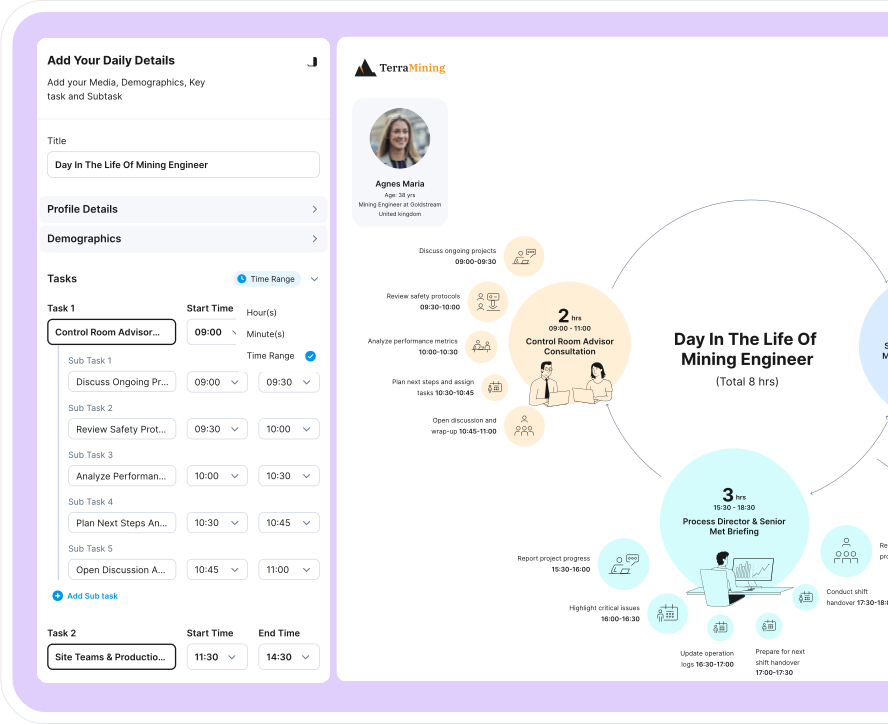
Features that enhance your experience
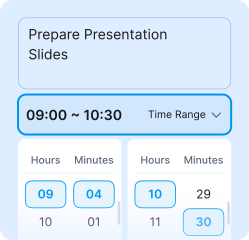
Note every minute
Note when and on what every
minute is spent.
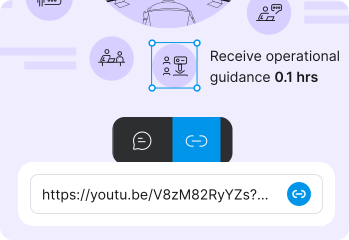
Add links + comments
Give your visualization more context for
better understanding and collaboration.
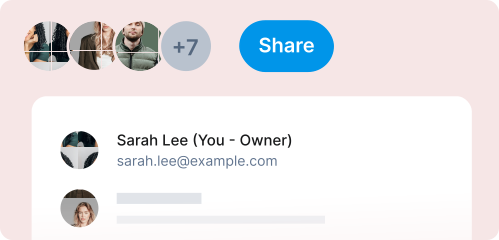
Share + collaborate
Share your insights with cross-functional
teams easily.
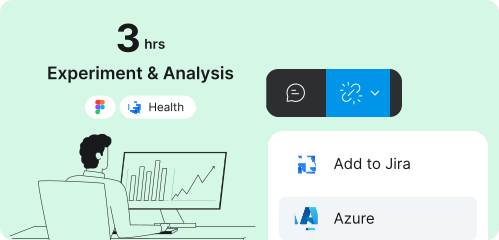
Tag insights with integrations
Add tasks to Jira or Azure and get your plan
rolling.
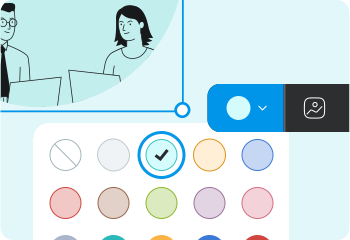
Customise your board
Make your board visually appealing with
colours + icons - the way you like it.
Multiple boards
Organize designs for different
screens in one place.
Try AI DILO Instantly
Use it for product feature expansion, engagement, or marketing.Frequently Asked Questions
What is DILO analysis?

DILO analysis, short for "Day in the Life Of," is a structured research method used to document what a user does across an entire day rather than at a single touchpoint. It reveals how time, tools, environments, and context switching shape real behavior and experience. This matters because it exposes friction and inefficiencies that interviews, analytics, or task-level UX studies often miss.
What is DILO used for in Lean?
In Lean methodology, DILO is used to identify waste by separating value-adding activities from non-value-adding ones across a user's workday. By observing where time is consumed and where effort disrupts flow, teams can diagnose bottlenecks, redundancies, and unnecessary steps. This drives decisions that reduce operational waste while protecting user performance and well-being.
What is DILO in SAP?
In SAP environments, DILO refers to investigating how employees interact with SAP and connected systems throughout the day to uncover slowdowns caused by approvals, navigation, data entry, and tool switching. It highlights where enterprise workflow design conflicts with actual work patterns. This insight enables organizations to adjust processes and system configuration to support the way people truly work, not the way process diagrams assume they work.
How does a DILO work?
A DILO works by shadowing a participant or analyzing activity over time, recording tasks, triggers, tools, interruptions, emotions, and outcomes across a full day. The timeline is then synthesized into patterns that show recurring friction and behavioral constraints. It delivers value when this synthesis informs workflow, interface, and operational decisions that reduce user burden and improve efficiency.